Mobile App
OHANA Partners App
An order management application for partner restaurants, built for mobile devices with integrated fiscal printers — real-time order processing, receipt printing upon staff confirmation, and live menu synchronization.
Challenge
OHANA Bulgaria is a food delivery platform connecting customers with restaurants across the country. As the platform scaled, partner restaurants encountered a significant operational bottleneck. Orders arrived through the OHANA system, but restaurants lacked a dedicated tool to process them. Staff operated across the platform's web interface, the restaurant's own point-of-sale system, and a separate fiscal printer — manually re-entering order details for each receipt. During peak service hours, this workflow produced delays, incorrect receipts, missed orders, and extended customer wait times. Menu management presented an additional challenge. There was no mechanism to update item availability in real time — when a dish sold out during service, there was no immediate way to remove it from the customer-facing menu.
Restaurant operating status required separate management. Each step that should have been instantaneous required manual intervention, and error rates increased proportionally with order volume. The platform required a purpose-built application that would reside on a tablet in the kitchen, receive orders immediately upon placement, generate correct fiscal receipts automatically, and enable staff to manage menu content and availability directly — without accessing the main platform.
Solution
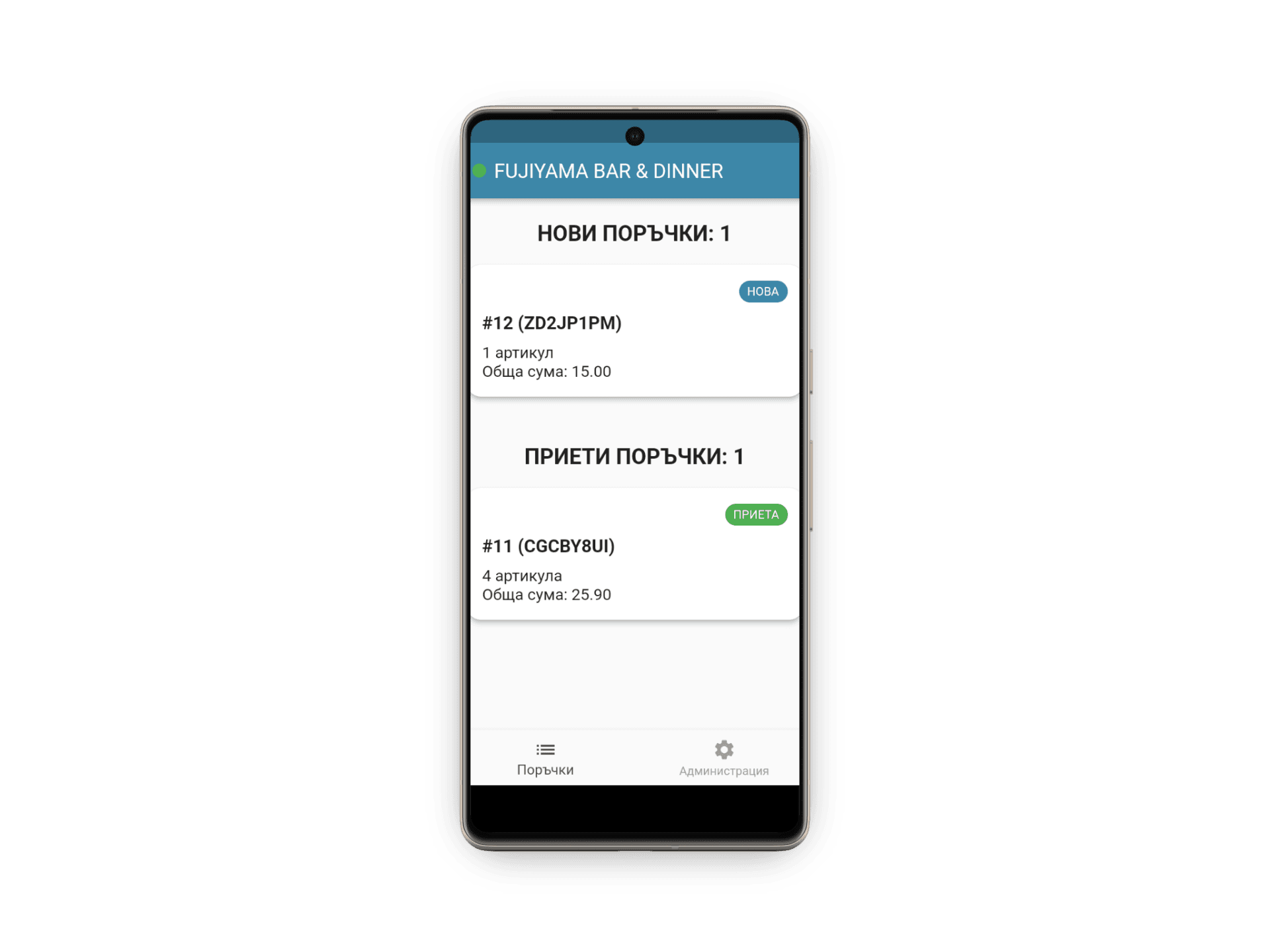
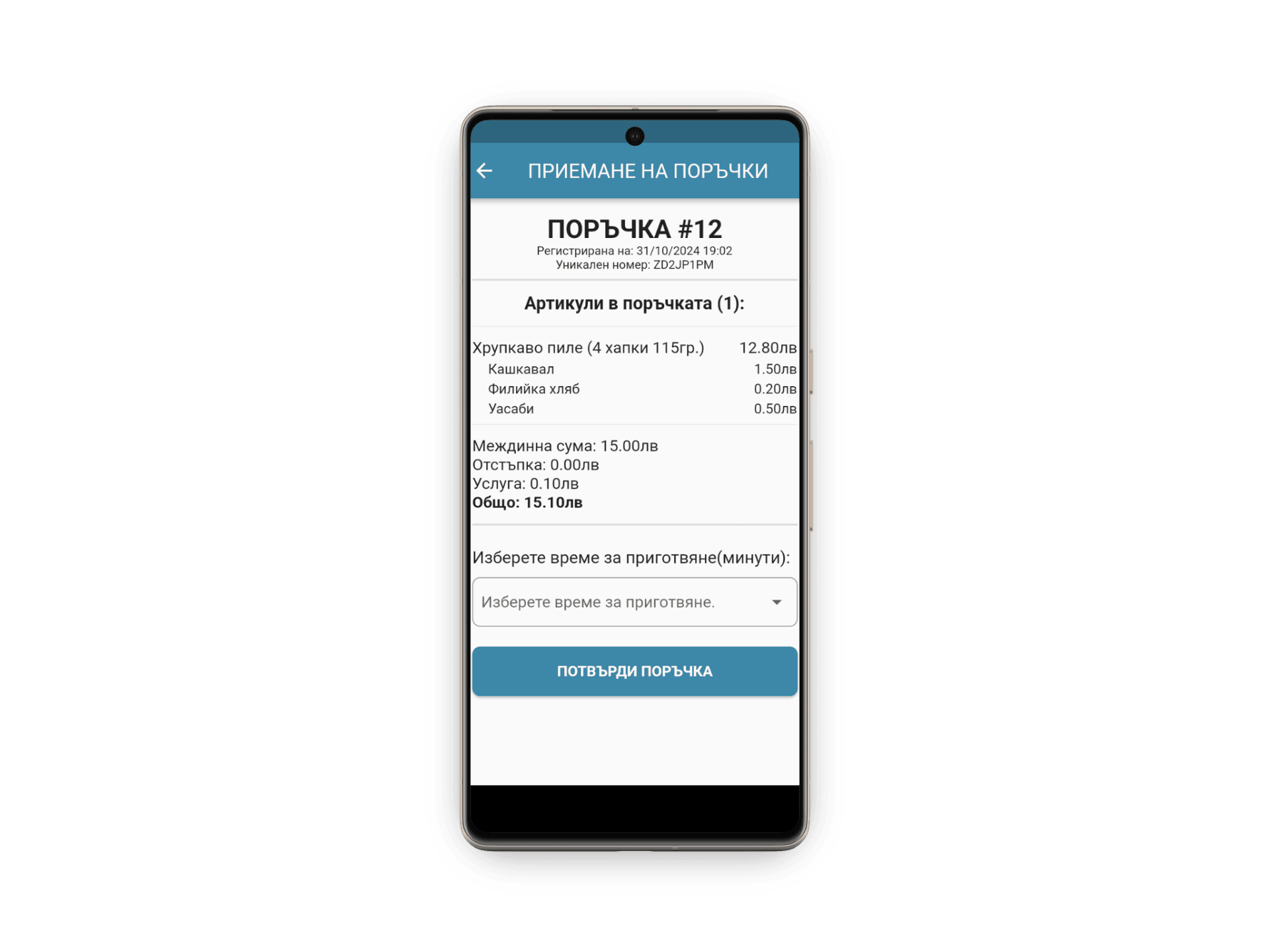
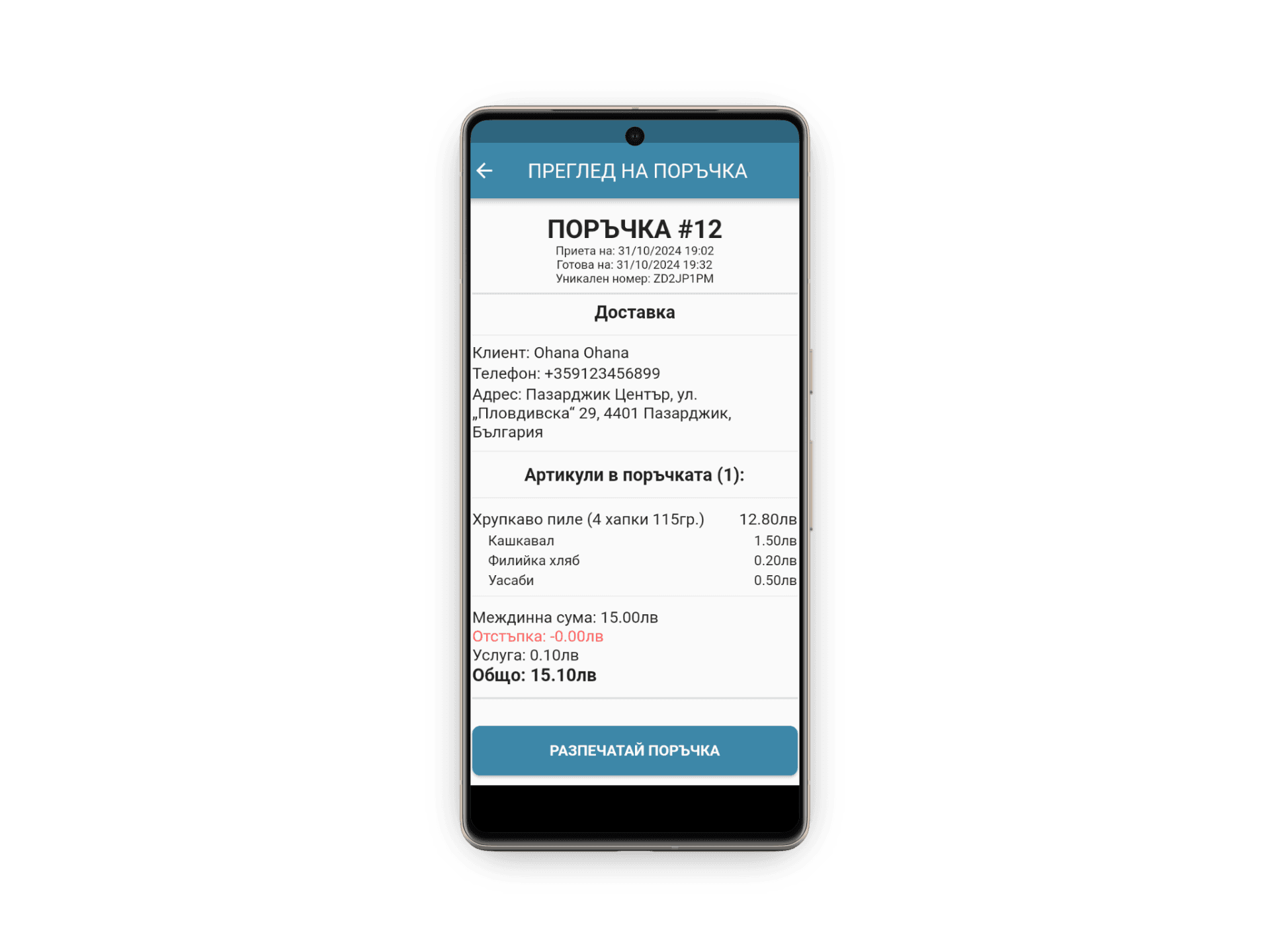
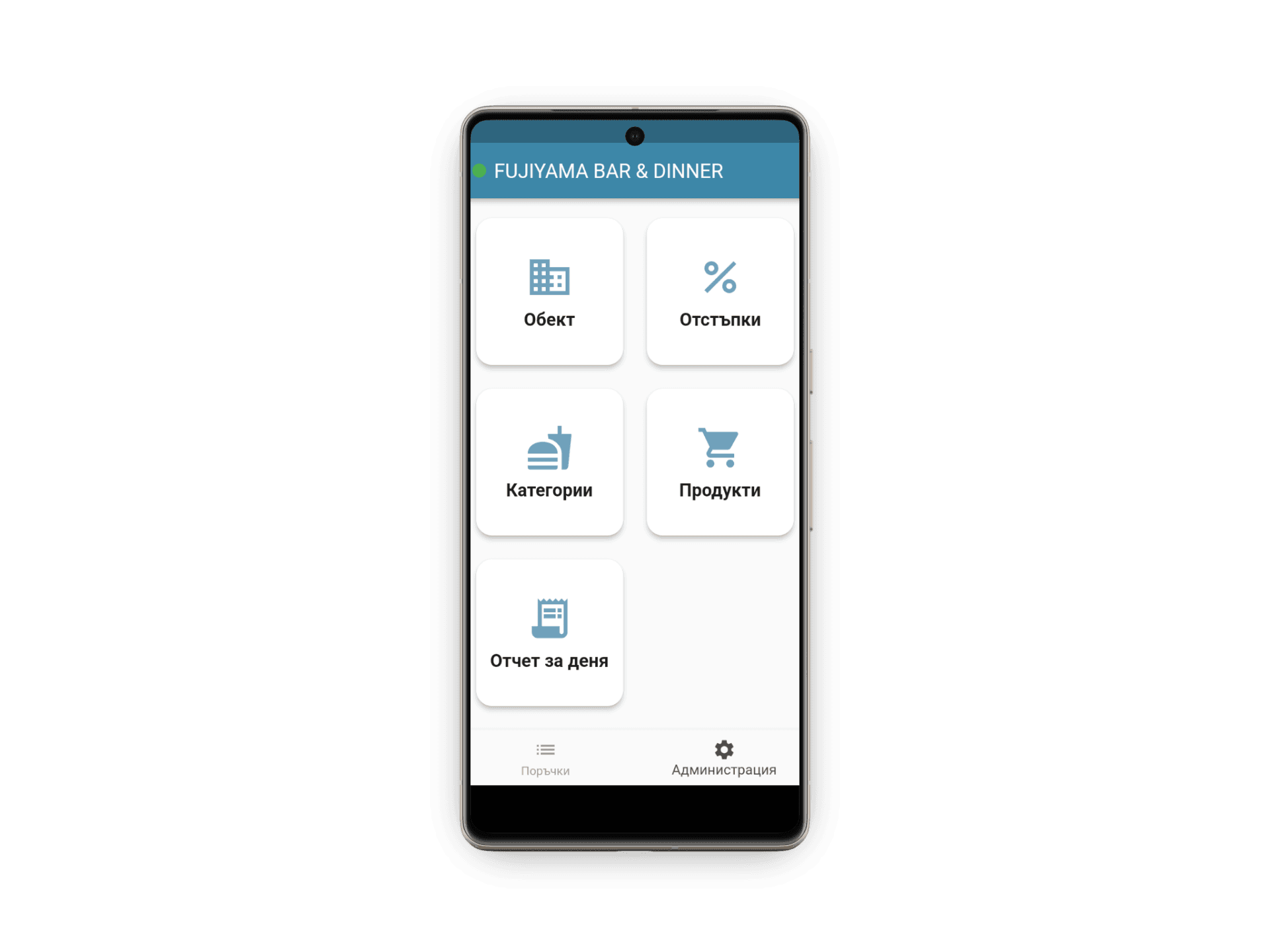
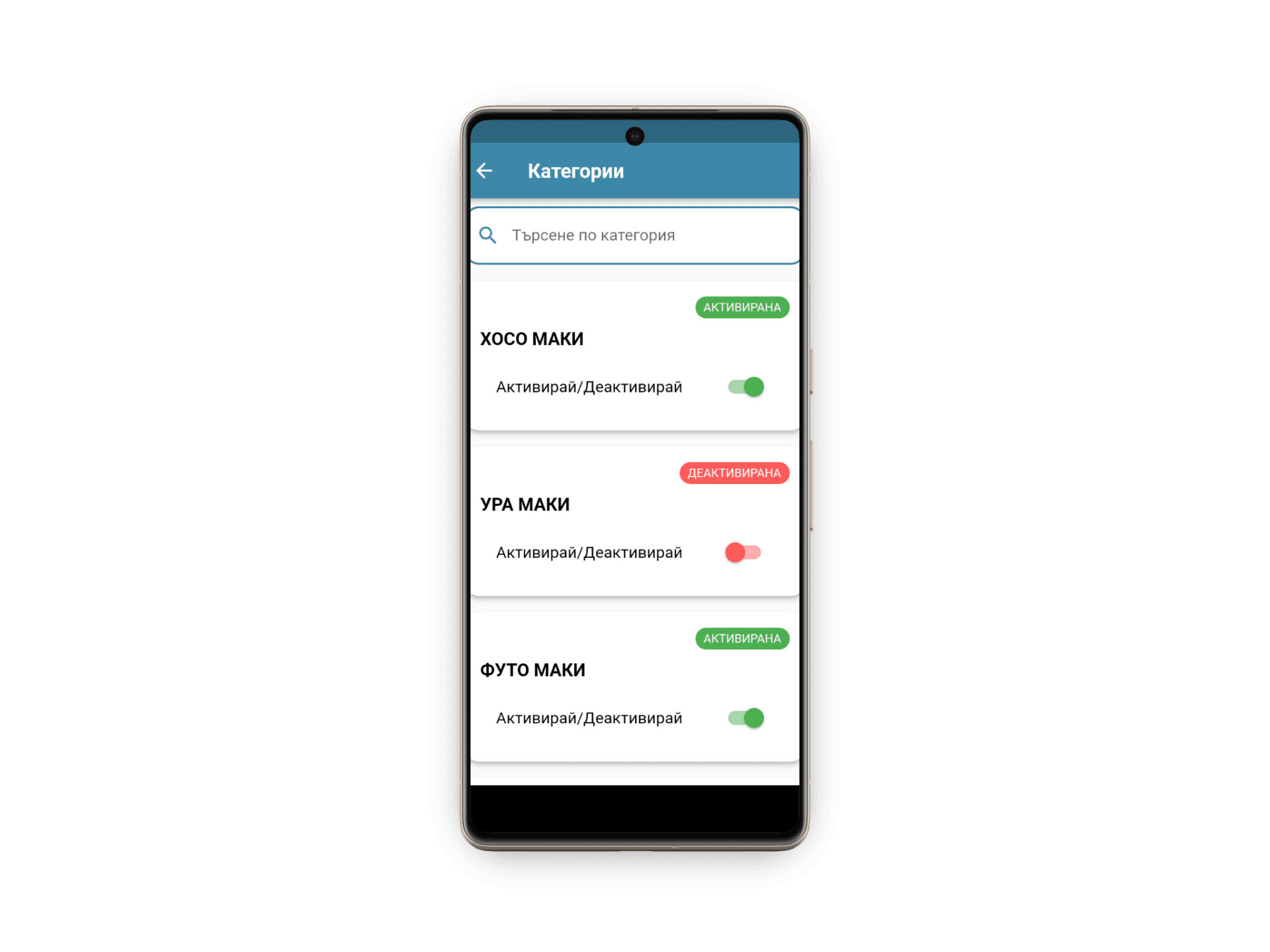
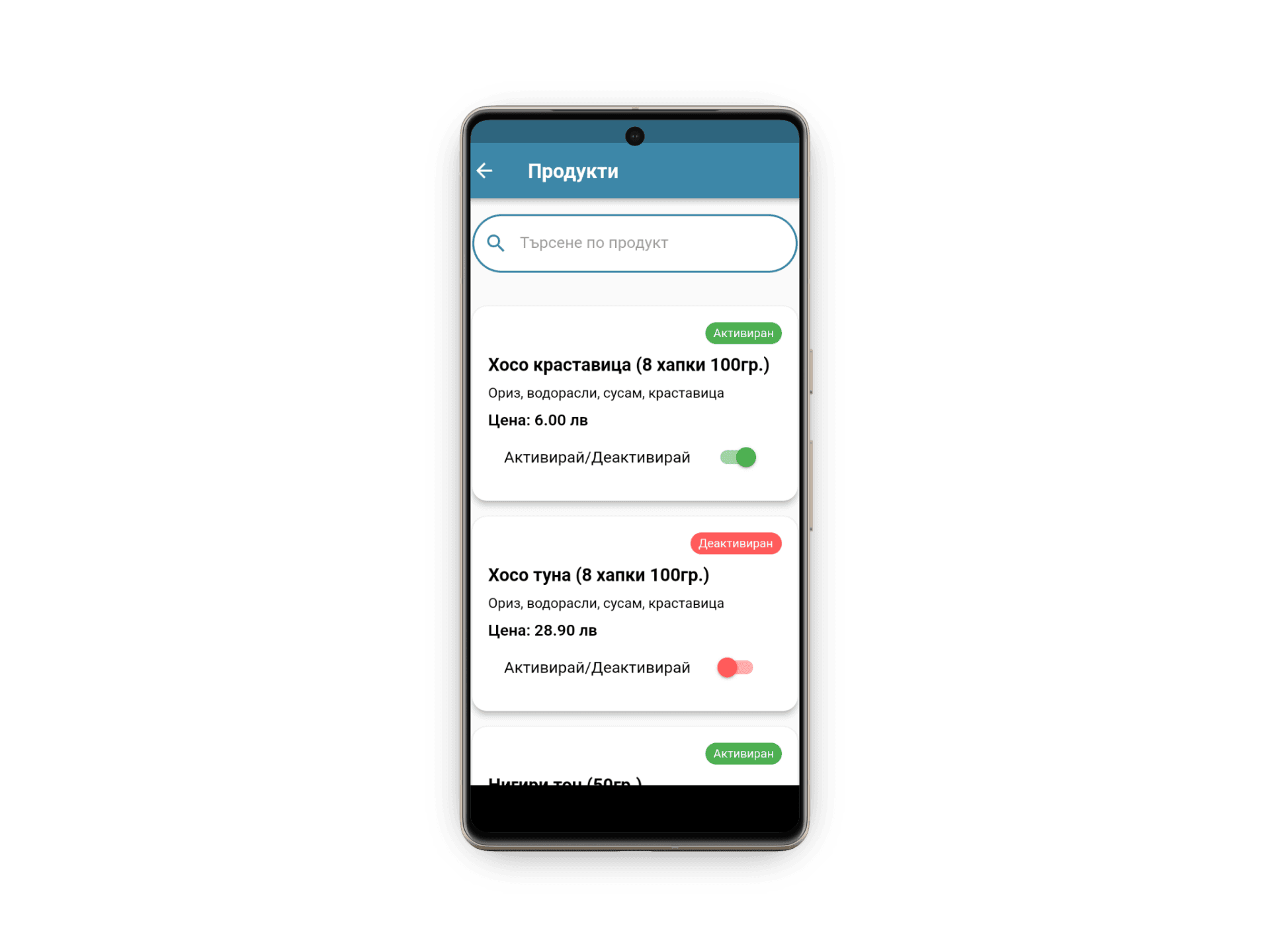
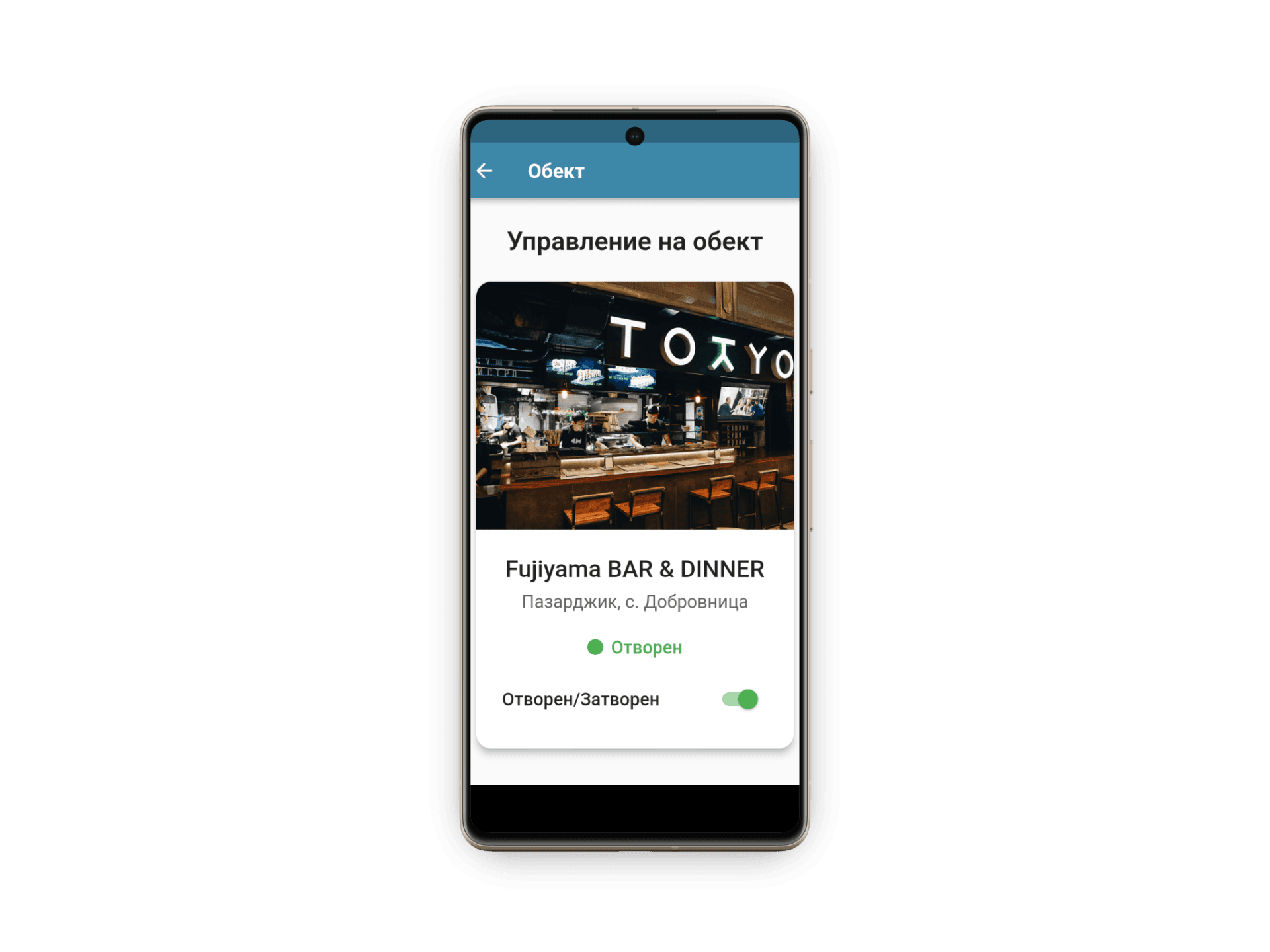
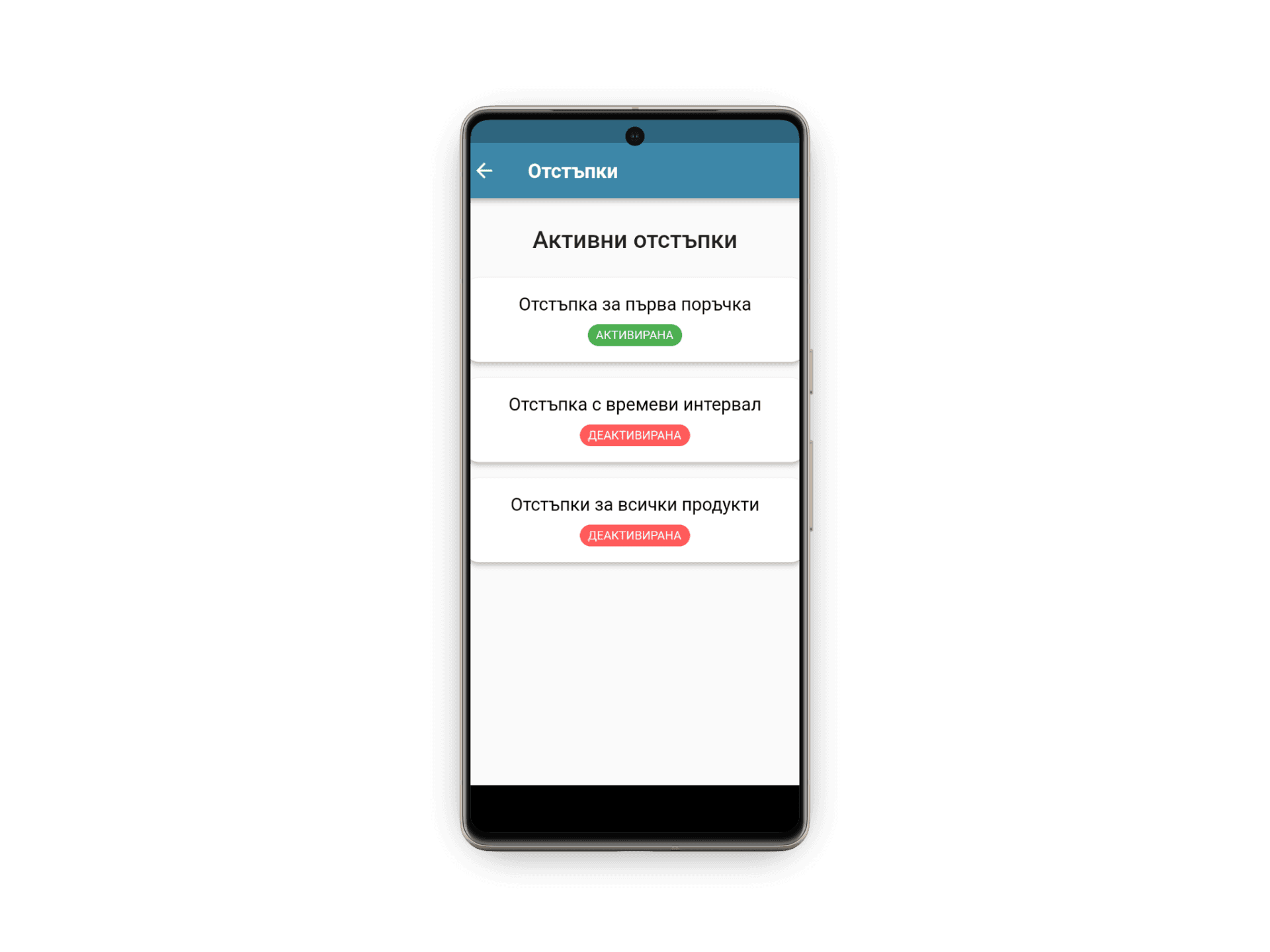
DSX developed an application optimized for mobile devices with integrated fiscal printers, connecting directly with the OHANA ordering platform. When a customer places an order, it appears on the restaurant's device immediately with complete details — items, quantities, special instructions, and delivery address. Staff review the order and confirm it — only then does the fiscal receipt print on the device's built-in printer with correct formatting and content, eliminating manual data entry entirely. Restaurant management functionality is integrated into the application: staff can update the restaurant's operating status through a single control, with changes reflected on the customer-facing platform immediately. Menu editing operates in real time — marking an item as unavailable removes it from the customer menu instantly.
Inventory synchronization ensures that online availability always corresponds to actual stock. The interface was designed specifically for mobile devices in high-pressure kitchen environments — oversized touch targets, clearly structured order cards, minimal navigation depth, and high-contrast display optimized for varying lighting conditions. Role-based access control enables restaurant owners to define which staff members can accept orders, modify menu items, or change operational status. The application was developed through iterative cycles with real partner restaurants testing early builds and providing operational feedback — ensuring that the final product integrated seamlessly into existing kitchen workflows from the day of deployment.
Results
Instant processing
orders appear on the restaurant tablet the moment a customer places them
Automated receipts
fiscal receipts print automatically with correct formatting — zero manual entry
Real-time availability
menu items updated instantly, reflected for customers immediately
Kitchen-optimized
tablet interface with oversized targets, high contrast, and minimal navigation
Live synchronization
menu and availability always aligned between restaurant and delivery platform
Role-based access
owners define staff permissions for orders, menu editing, and store management
Tech stack
- Flutter
- Dart
- REST API
- Fiscal Printer SDK
- Tablet-Optimized UI
Have a similar challenge?
Tell us about your project. We'll scope a solution that fits your timeline and budget.